

Salesforce’s native inline editing features have improved, but so have user expectations.
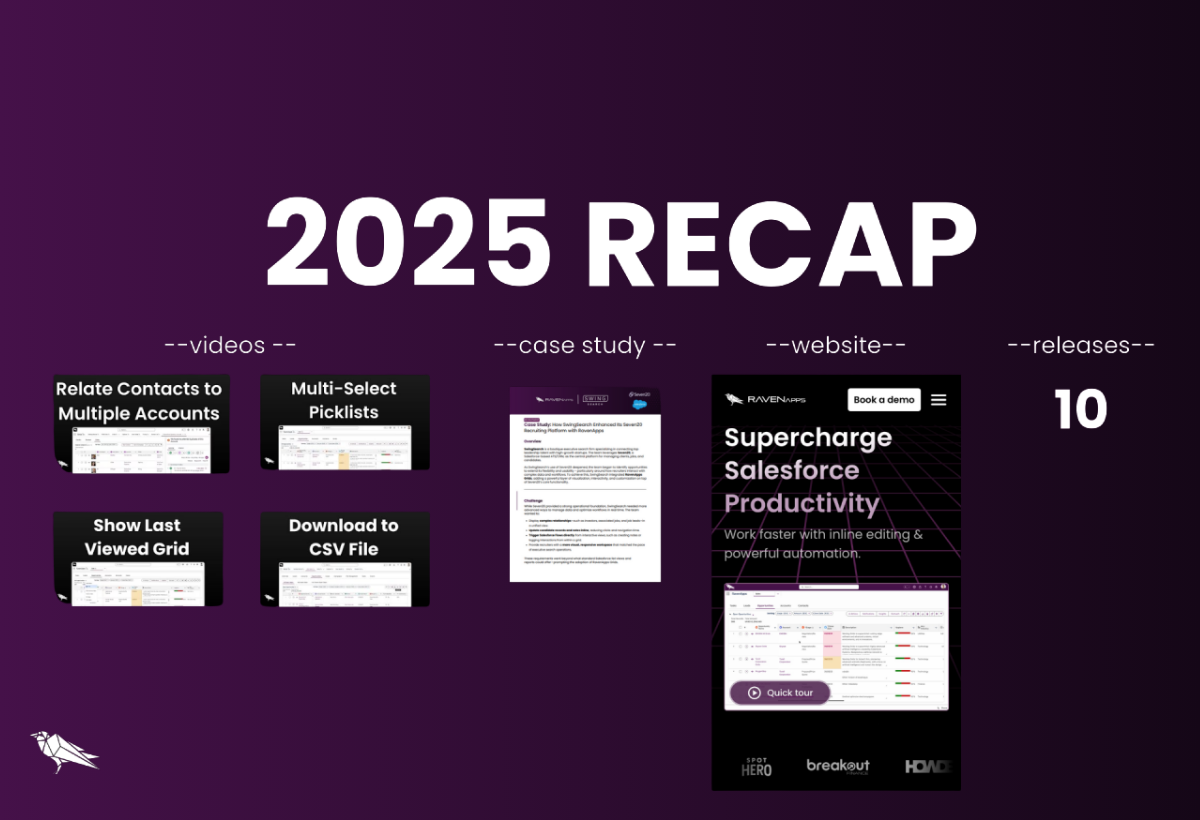
Happy 2026. Lets recap on our 2025 progress, here is a summary of what going to be covered:
- Videos - 4 new videos published, covering features and a Sample Grids Demo
- Case Study - SwingSearch Recruitment: Supercharging Seven20
- Website - Major upgrade launched
- Releases - 10 new package versions released - ARE YOU ON THE LATEST?
Videos
1) One contact. Multiple accounts. Total Salesforce clarity — see how it works.
2) Edit multi-select picklists, filter with AND/OR logic, and update in bulk — see it in action.
3) See what matters most — automatically show each user’s last viewed grid in Salesforce, no clicks required.
4) Turn your Salesforce grid into a perfect CSV — filter, sort, format, and download in seconds!
Case Study
A case study showing how SwingSearch enhanced Seven20 with RavenApps Grids to boost data visibility, streamline workflows, and improve recruiter efficiency.
See it here
Website
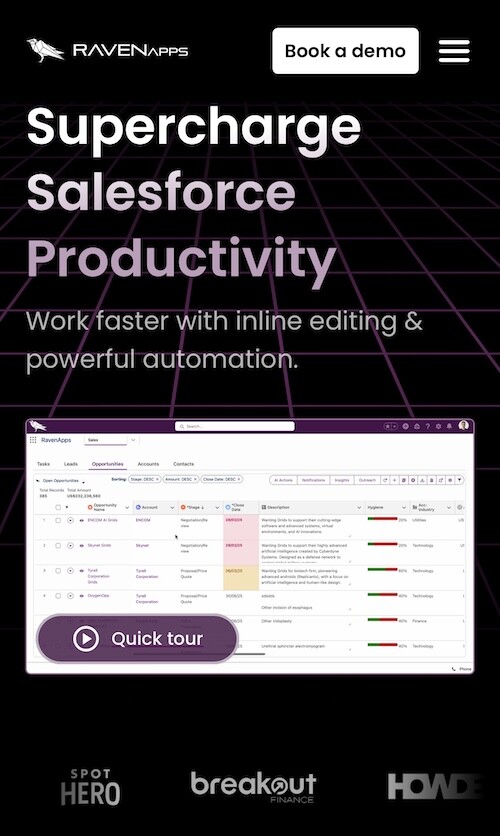
Excited to launch our new website, with more updates to come as we continue to build our offering.
Releases
We have done 10 major releases. Go to out Package Versions page to see details and install/upgrade to the latest version:
- 6.47 Hide Grid View Creatable/Updatable options based on User Access
- 6.46 Column Setting Enhancement & More
- 6.38 Sample Grid - Relate Contacts to Multiple Accounts
- 6.30 Multi-Select Picklist Column & Filter Improvement
- 6.25 Show Last Viewed Grid
- 6.15 CSV Download Fix for Text Field for 6.3
- 6.11 'Wrap Text Max Lines' grid property Field
- 6.7 New Click-to-Dial Allowing Parent Edit & UI Enhanced
- 6.6 New Grid Batch Size for Row Loading
- 6.3 Download Support Quotation Marks & Hashtags
Useful Links
Thank You
Thanks for reading. Get in touch for questions, comments, or to book a discovery call or live demo.
Now to 2026 - Carpe Diem


40+ features to power up your workflows


Start working smarter in Salesforce